Client Intake Forms
Intake forms that clients actually finish
Long intake forms kill completion rates. Portico breaks them into guided steps with a progress bar, saves work automatically, and only shows fields that apply to each client.
The form nobody finishes
Too long, too overwhelming
A 40-field intake on a single scrolling page is intimidating. Clients start, get distracted, and never come back.
One form cannot fit every client
New clients need the full questionnaire. Returning clients do not. But you're sending everyone the same form.
Lost progress
Client fills in 20 fields, closes the browser, and has to start over. You hear about it when they email you asking to just "do it over the phone."
Intake is only the first step
After the form, you still need a signed contract and a payment. That's 3 separate tools and 3 separate links.
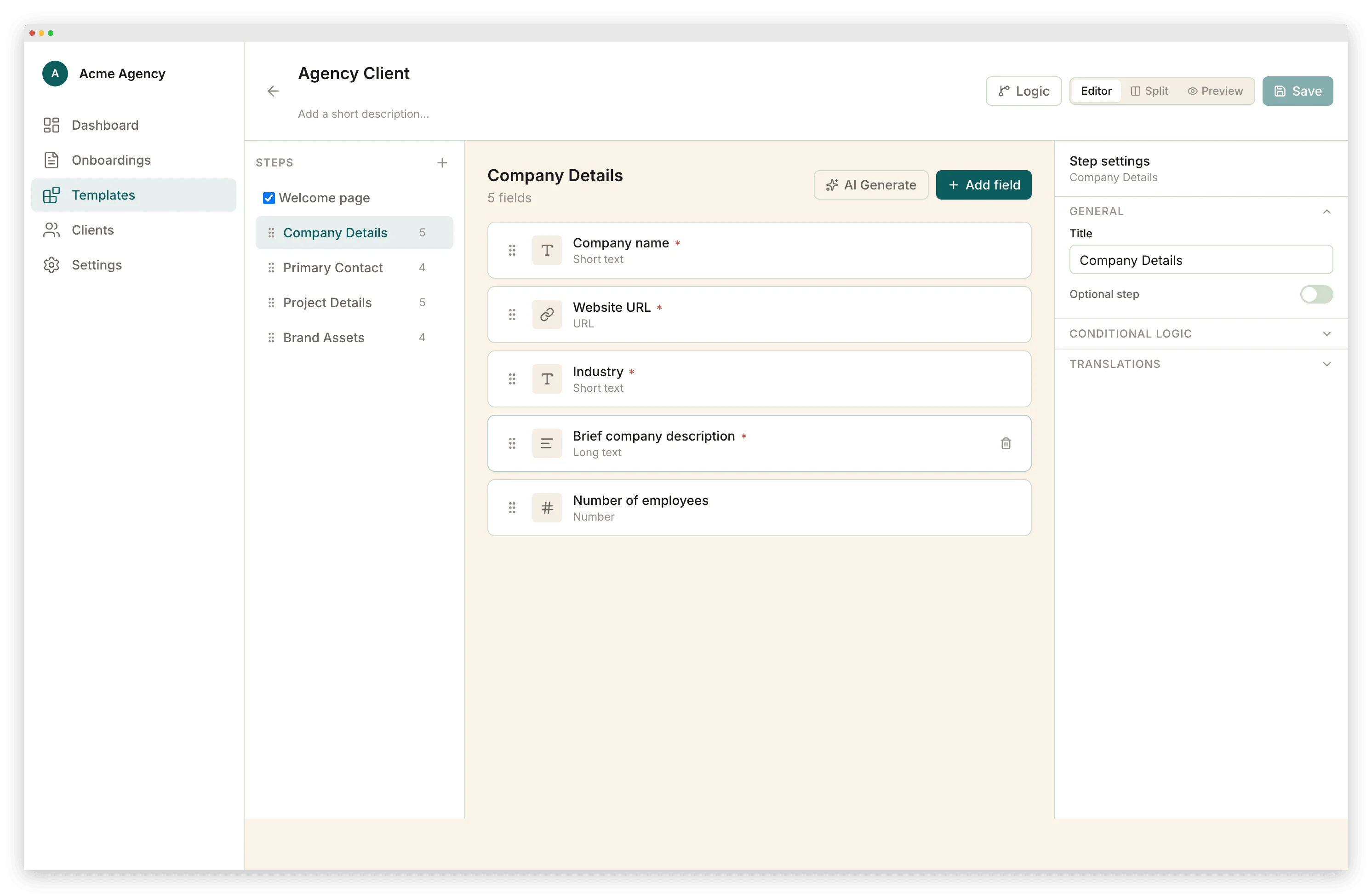
Conditional logic configuration
How it works
From setup to done
Build your intake form
Drag in fields, organize into steps, add conditional logic. Every field type you need — text, dropdowns, file uploads, signatures, payments.
Send one link
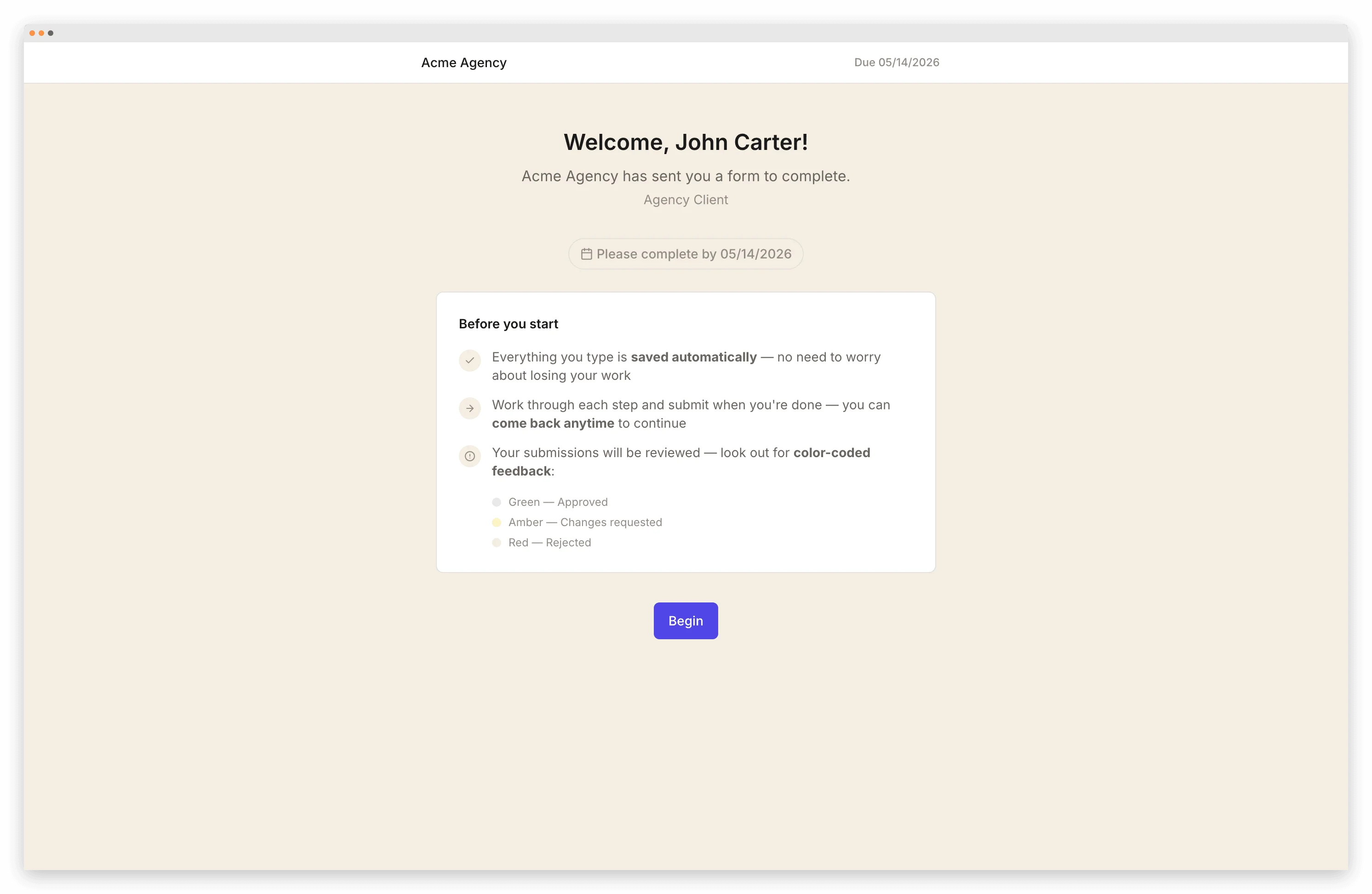
Clients open a branded portal and work through the form at their own pace. Auto-save means they can close and come back.
Conditional logic adapts the flow
New client? Full questionnaire. Returning client? Skip to what's changed. One template handles both.
Responses land in your dashboard
All answers, uploaded files, signatures, and payments are organized by client in your dashboard. Export as a branded PDF.
What's included
Multi-step forms with progress bar
Break long intakes into manageable steps. Clients see where they are and how much is left.
Conditional logic
Show different fields based on previous answers. One form adapts to every client type.
E-signatures inline
Clients sign engagement letters as a step in the form — no separate DocuSign link.
Payment collection inline
Collect retainers or deposits as part of the intake. No separate invoice.
Auto-save on every field
Clients can close the browser and pick up exactly where they left off.
Branded experience
Your logo, colors, and domain. The form looks like yours, not a third-party tool.
Frequently Asked Questions
Related pages
Build intake forms clients actually complete
Start free. Multi-step forms with conditional logic, auto-save, and built-in signatures. No credit card required.
Start Free